


AI Video Generator: Transforming Content Creation with Artificial Intelligence
AI video generators are revolutionizing the way individuals and organizations create video content. By harnessing artificial intelligence and machine learning technologies, these tools simplify video production, making it accessible, fast, and cost-effective for marketers, educators, content creators, and businesses worldwide.
What Is an AI Video Generator?
AI video generators are software platforms that use advanced algorithms to automatically create or edit video content. They can produce videos from text scripts, images, audio, or even simple prompts—without the need for traditional filming, editing, or animation skills.
How AI Video Generators Work
- Script or Prompt Input: Users provide a script, story outline, or set of instructions to the tool.
- Content Analysis: AI analyzes the input for context, tone, and message.
- Media Creation: The generator builds video scenes using stock footage, generated graphics, animations, voice synthesis, and background music.
- Editing and Customization: Users may adjust visuals, transitions, or voiceovers to refine the output.
Popular platforms use deep learning, natural language processing (NLP), and computer vision to deliver high-quality results tailored to different purposes and audiences.
Key Features of Modern AI Video Generators
AI video tools offer a range of features making them powerful and easy to use:
Text-to-Video Conversion
Turn blogs, articles, or scripts directly into explainer videos, promotional ads, educational clips, or social media content.
Automated Voiceover and Dubbing
Leverage AI voices that sound natural, multilingual, and customizable for global reach.
Stock and AI-Generated Visuals
Access vast libraries of stock footage and images, plus the ability to generate realistic graphics or avatars using AI.
Scene and Transition Management
Automatic scene changes, effects, transitions, and background music aligned with video content.

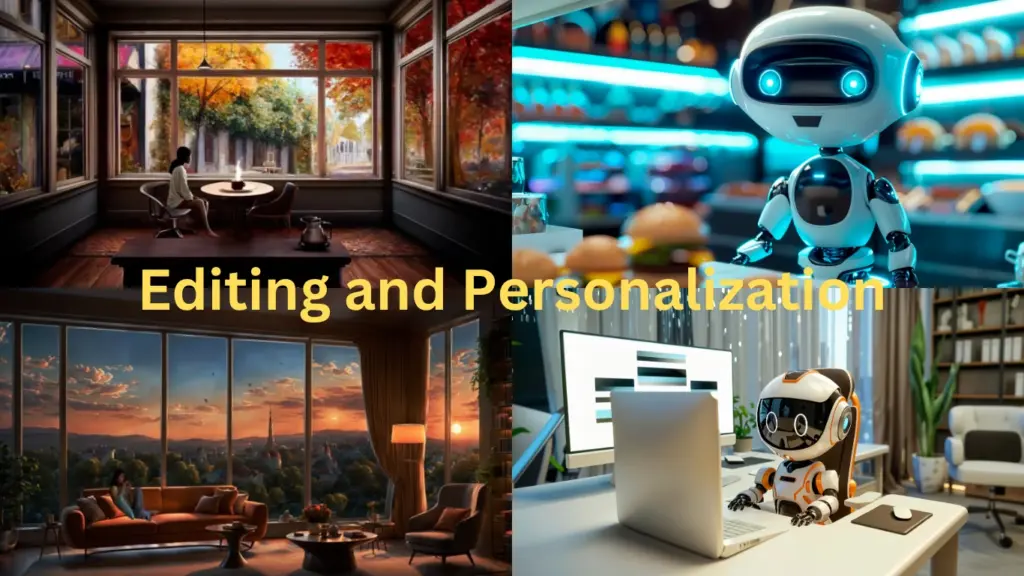
Editing and Personalization
Simple interfaces for customizing color schemes, fonts, overlays, and branding, without needing video editing software expertise.
Multimodal Input
Accepts input in the form of text, audio, images, or uploaded documents—ideal for repurposing existing assets.
Advantages of Using AI Video Generators
AI video generators offer multiple benefits for content creators and organizations:
Speed and Efficiency
Produce videos in minutes—eliminates lengthy filming, rendering, and manual editing processes.
Cost-Effective Production
Reduces expenses by removing the need for expensive equipment, studios, or professional editing services.
Scalability
Makes it possible to create large volumes of videos for e-learning, marketing, product demos, or social media campaigns.
Accessibility
Empowers users without technical expertise to produce professional-quality videos for any purpose.
Multilingual and Diverse Content
Easily generate localized and culturally relevant videos for global audience engagement.
Popular Use Cases for AI Video Generators
AI video generators are being widely adopted across multiple industries:
Marketing and Advertising
Businesses create quick product promos, explainer videos, and ads for digital platforms.
Education and Training
Teachers and trainers produce instructional content, animated tutorials, and language lessons.
Social Media
Influencers and brands make short-form videos, reels, and viral clips to boost engagement.
Customer Service
Generate walkthroughs, FAQs, and support videos for customer communication.
Internal Communication
Organizations share announcements, onboarding materials, and policy updates via personalized video messages.
Limitations and Ethical Considerations
While AI video generators offer substantial advantages, they come with certain limitations:
Limited Creativity
AI-generated videos may lack the emotional depth or creative storytelling found in human-made content.
Quality Dependence
Output quality depends on input clarity and platform capabilities.
Copyright and Authenticity
Use of stock footage or synthesized voices may require adherence to copyright guidelines and transparent disclosure.
Deepfakes and Misinformation
Potential for misuse in creating misleading or fake media necessitates responsible use and monitoring.
Getting Started with AI Video Generators
To utilize an AI video generator effectively:
- Research popular tools and compare features (e.g., Synthesia, Lumen5, InVideo).
- Start with clear, structured scripts or prompts.
- Review platform terms regarding licensing and content use.
- Customize templates and voices to match your brand or message.
- Publish, track, and optimize video content for search and audience engagement.
The Future of AI-Driven Video Creation
AI video generators are set to further transform the digital landscape. With advances in generative AI, multimodal integration (text, image, audio), and improved realism, video creation is becoming ever more accessible and versatile. As demand for personalized, on-demand content grows, mastering AI video generation offers a powerful way to stay ahead in content marketing and communication.
🔗 Related Posts
✨ You May Like These Articles


Pingback: AI Agents: The Future of Digital Automation and Decision-Making - RK News Blog
Pingback: Whisper Transcription: The Future of AI-Powered Speech-to-Text Technology - RK News Blog